Shopify calculates sales tax, VAT or GST at checkout once you turn on tax collection in Settings > Taxes and duties for each region where you are registered. In the US, the EU, the UK and Canada, Shopify Tax sets the rates automatically and is free until your store reaches 100,000 in sales in its local currency ($100,000 USD, €100,000, £100,000 or CA$100,000). You still register with each tax authority and make sure your returns are filed, so Shopify makes your tax preparation easier but doesn’t take it off your hands.
To go more in detail, it’s your thing to register your business with your local or federal tax authority so that you can handle your sales tax. Shopify doesn’t remit tax for you by default. US stores enrolled in Shopify Tax automated filing can have their state sales tax returns filed for them; otherwise, you or your accountant file and pay. Shopify provides the calculations and reports to make things easier for you while filing and paying your taxes. People consider this Shopify Sales Tax report as a time-saver in their business.
That’s why this article today is here so that I can help you a bit with this quick overview of Shopify Sales Tax and the Ultimate Guide for Merchants on how to set up Sales Tax on Shopify.
3 Types of Tax Applied to Your Sales on Shopify
Before we start, we should understand some available types of tax that apply when people buy goods and services. These kinds of consumption taxes depend on the country. As the business owner, you will need to meet different requirements from each type. But here are the three most common consumption taxes that you should know on Shopify:
Sales Tax
The first type is the “Sales tax”, which can be understood as the one-time tax charged in terms of purchase. With this type of tax, the customer pays the tax to the seller at checkout, and the seller then passes it on to the government. You will see this form of sales tax in the United States, where it is set at the state and local levels and there is no national sales tax.

Because of all the various rules, sales tax in the US is decided by the states and local jurisdictions, so it could be difficult to understand. In the US, you only collect sales tax in states where you have nexus: a physical presence, such as a business location or inventory stored in a third-party warehouse, or economic nexus once your sales into that state pass its threshold. That threshold varies by state, for example $100,000 in sales in Florida and $500,000 in Texas. Shopify’s tax liability insights in Settings > Taxes and duties flag the states where you may have nexus.
Value-added Tax
VAT, short for value-added tax, is a consumption tax that is charged at each stage of production. The value of the good or service might change at different stages so that the “value added” is what’s being taxed when that value increases.

When you are a VAT-registered business owner, you get back the VAT you pay along the production chain, so only the final consumer pays it out of pocket. The way VAT works is simple. Basically, the VAT you pay to other businesses that help you produce your product is called “input tax”, and you claim it back as a credit against the VAT you charge your own customers. When you sell something on Shopify, the appropriate VAT rate has to be charged on each order so that the customer pays the tax on that product. In the EU and the UK, Shopify Tax can work out that rate for you.
Goods and Services Tax
GST, short for goods and services tax, is the name that countries such as Canada, Australia and India use for this kind of consumption tax. GST works the same way as VAT: it’s levied at every step of the supply chain, and registered businesses claim back the GST they paid on their inputs, so only the final customer bears the cost.
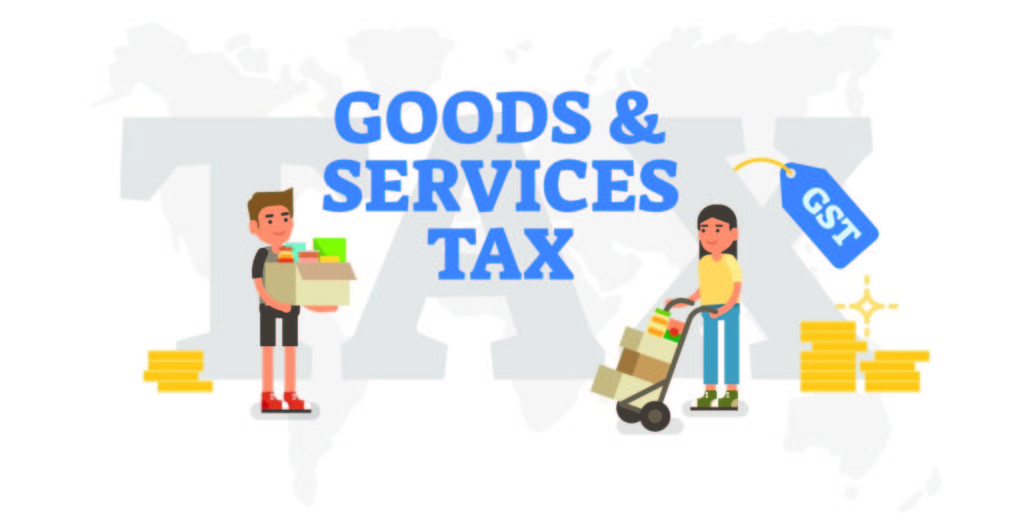
In practice, GST is charged to the businesses at each stage of the manufacturing process, while the customer is charged at the point of sale. Except for the final consumer, everyone then gets the GST back via tax credits.
How to Set Up Sales Tax on Shopify
Before starting to collect Shopify sales taxes, you will need to get them set up. For screenshots of each screen in Settings > Taxes and duties, follow our guide on how to add or remove taxes on Shopify. This process might take you a lot of time because there are so many variable kinds of stuff that you need to keep straight.
1. Check your store address and locations
The very first step here would be to check your store address and locations in the Settings of your Shopify Admin. You don’t have to create a shipping zone for each state or city to charge the right tax: Shopify uses your locations to show where you may have physical nexus, and Shopify Tax works out the rate for each order from your customer’s address and the product category.
2. Turn on tax collection for each region
Subsequently, go to Settings > Taxes and duties, pick the country or region that you sell to, turn on tax collection and add your registration number. Shopify only charges tax in the regions where you have turned collection on. This step differs from country to country:

Merchants Selling in the United States
For sellers in the U.S., go to Settings > Taxes and duties > United States and add each state where you have nexus and are registered to collect sales tax. Shopify Tax then calculates the combined state and local rate for every order, based on your customer’s address and the product category, so you don’t have to enter the rates for each state, county and city by hand. You can also choose Manual Tax or a third-party tax service instead, but US stores can no longer newly enroll in Basic Tax (since July 14, 2025).

Merchants Selling in Canada
For retailers in Canada, you must enter your tax registrations to charge the tax. Go to Settings > Taxes and duties > Canada and add your GST/HST registration, plus PST or QST registrations for the provinces where you’re registered. Shopify Tax then charges the correct federal and provincial rates at checkout, and it sets the rates for exempt or zero-rated items from your product categories. For more information, read Shopify’s Shopify Tax features in Canada article.

When you have already decided what sales taxes you need to charge in Canada, Shopify can manage the tax rates that you charge your customers automatically. Remember that Shopify will not remit or file Canadian taxes for you, because automated filing only covers US sales tax returns. It just helps you ensure that your business has the right settings for charging taxes.
Merchants Selling Outside of Canada and the United States
For merchants in the EU and the UK, Shopify Tax is available too: add your VAT registration, plus your OSS or IOSS number if you use those schemes, and Shopify Tax applies the right VAT rate to each order. In Norway, Switzerland, Australia, New Zealand and Singapore, you can use Basic Tax with Shopify’s default rates; in most other countries, you use Manual Tax and set the rates yourself. First, you will need to decide whether you are obligated to charge tax to your customers, as well as whether your product is taxable.

Next, when you are at your Shopify admin, open Settings > Taxes and duties and click on the name of the country that you want to select. Turn on tax collection, check that the rates are correct for your situation, and add a tax override where a product or region needs a different rate. Finally, don’t forget to click the Save button.
3. Review your tax settings
Once tax collection is on, review the settings that change how much tax each order carries: your product categories (Shopify Tax uses them to apply exempt or reduced rates), any tax overrides, whether your prices include tax, and whether you charge tax on shipping.
Shopify Tax: Automatic Rates and Fees
Shopify Tax is the tax service that sets the rates automatically for the US, the EU, the UK and Canada. It’s free until your store reaches 100,000 in sales in its local currency ($100,000 USD, €100,000, £100,000 or CA$100,000). For stores created on or after May 13, 2026, that threshold counts lifetime sales; for older stores, it’s an annual threshold. After that, Shopify charges 0.35% per US order and 0.25% per EU, UK or Canadian order on the Basic, Grow and Advanced plans, or 0.25% and 0.15% on Plus, capped at $0.99 per order (€0.99, £0.99 or CA$0.99 in those currencies). Stores created before May 13, 2026 also have a fee cap of $5,000 per year in each region. Fees only apply in the regions where you have turned on tax collection.
US stores enrolled in Shopify Tax automated filing can have their monthly, quarterly, semi-annual and annual sales tax returns filed for them. It’s still your responsibility to check with the tax authorities or a tax professional that your taxes are filed and remitted correctly.
Shopify Apps for Sales Tax Automation
If you are having trouble in calculating sales tax as it is too complicated for you and requires a lot of manual work, also, if you have a budget to pay for an assistant tool that helps you collect enough tax during your reporting period, then I have a suggestion here for you. Here are three Shopify apps that can simplify your sales tax workloads:
TaxJar
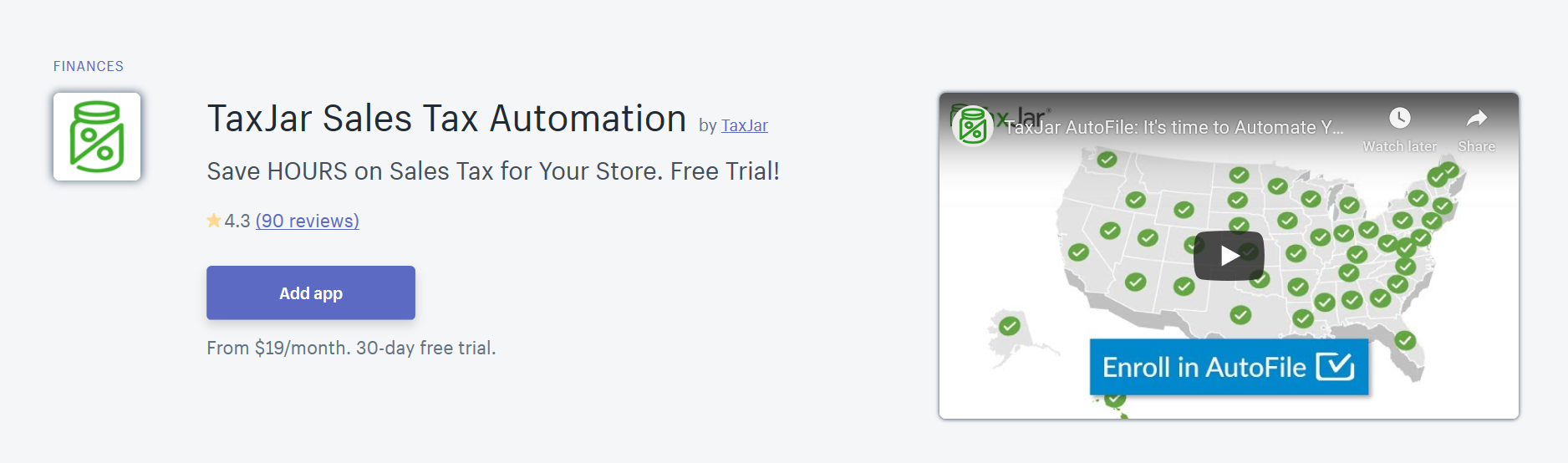
TaxJar Sales Tax Automation is an app that will support you in tracking what you charge to ensure that you are in compliance. It automates sales tax calculations and filing: TaxJar publishes detailed reports that present the information about charged tax for each state that you sell in, and its AutoFile feature can file your returns for you. Plans start at $39/month with a 30-day free trial, and each plan includes a limited number of free AutoFiles per year. As a result, you can save your precious time on Sales Tax for Your Store, at the same time, still ensure that your filings are accurate.
Quaderno
Another option here is the Quaderno: Taxes & E-Invoicing app that helps you not to worry about the tax compliance. This app plays as a personal accountant: it handles e-invoicing, tax registrations and filings for you, and it monitors your sales against tax thresholds so that you stay in compliance with tax laws. Plans start at $29/month with a 7-day free trial. Quaderno is absolutely customizable so that you can change its settings to suit your store qualities based on your unique needs.
Avalara
Avalara Tax Compliance is a paid sales tax service that you add to your store as a tax app. It needs a direct contract with Avalara, and Shopify charges nothing extra for the integration. Avalara calculates tax with a cloud-based tax engine, and if you also use its Avalara Returns service, it prepares your returns, then files them and pays the tax on the schedule you set. The system is designed to sync your sales data and it will tell you where, when and how much to file each filing period. In addition to that, this app is compatible with the most widely used shopping carts, marketplaces, and accounting software so that you can consolidate all your sales data at any time. So, if you remit sales tax monthly or quarterly, I believe that the reports from this app will save you a lot of time in dealing with your transactions to sort out and organize the sales tax that you have collected.

Conclusion
In conclusion, taxes are one of the most crucial parts of running a business on Shopify. Hence, spending time to understand the way they work in your state, other states and even the countries that your buyers are in is worthy. I know that Setting up sales tax in Shopify properly will take you a certain amount of time and effort.
Hopefully, this Shopify Sales Tax: The Ultimate Guide for Merchants article today has helped you understand and run things easier. If there is any trouble occurs during your practice, don’t hesitate to contact us and inform your problems. We will help you with that.